Use demo video: Installation reference video: Note: 1. For automatic transmission-original rearview cameras, this feature is plug-and-play; no additional wiring is required. 2. For manual transmission-originalrearview cameras, manual wiring is required:...
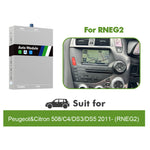
1. For automatic transmission-original rearview cameras, this feature is plug-and-play; no additional wiring is required. 2. For manual transmission-originalrearview cameras, manual wiring is required: the reverse control cable (REVERSE) is connected to the positive pole of the reverse light. 3. If you are using an aftermarket camera, whether it's an automatic transmission or a manual transmission car, manual wiring is required.
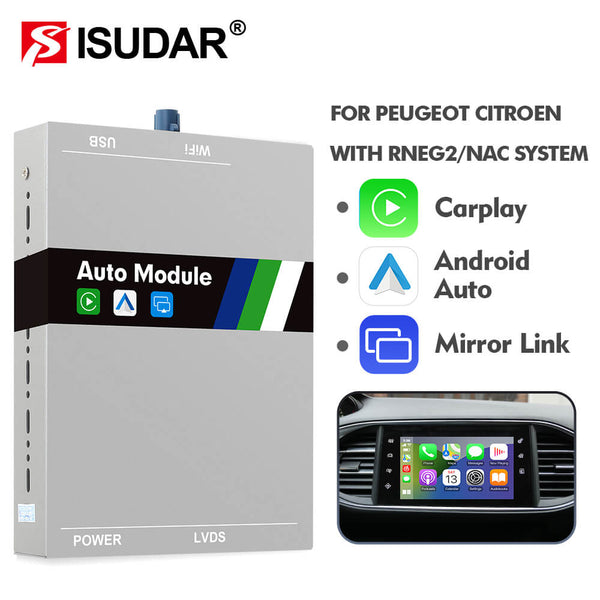
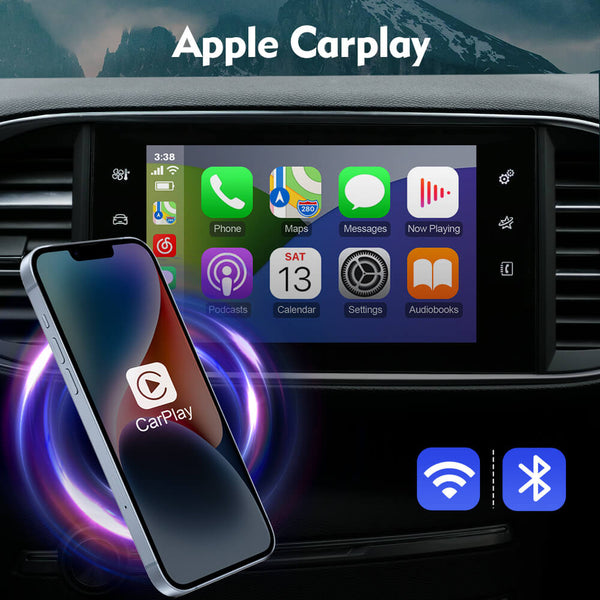
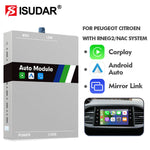
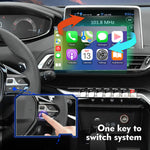
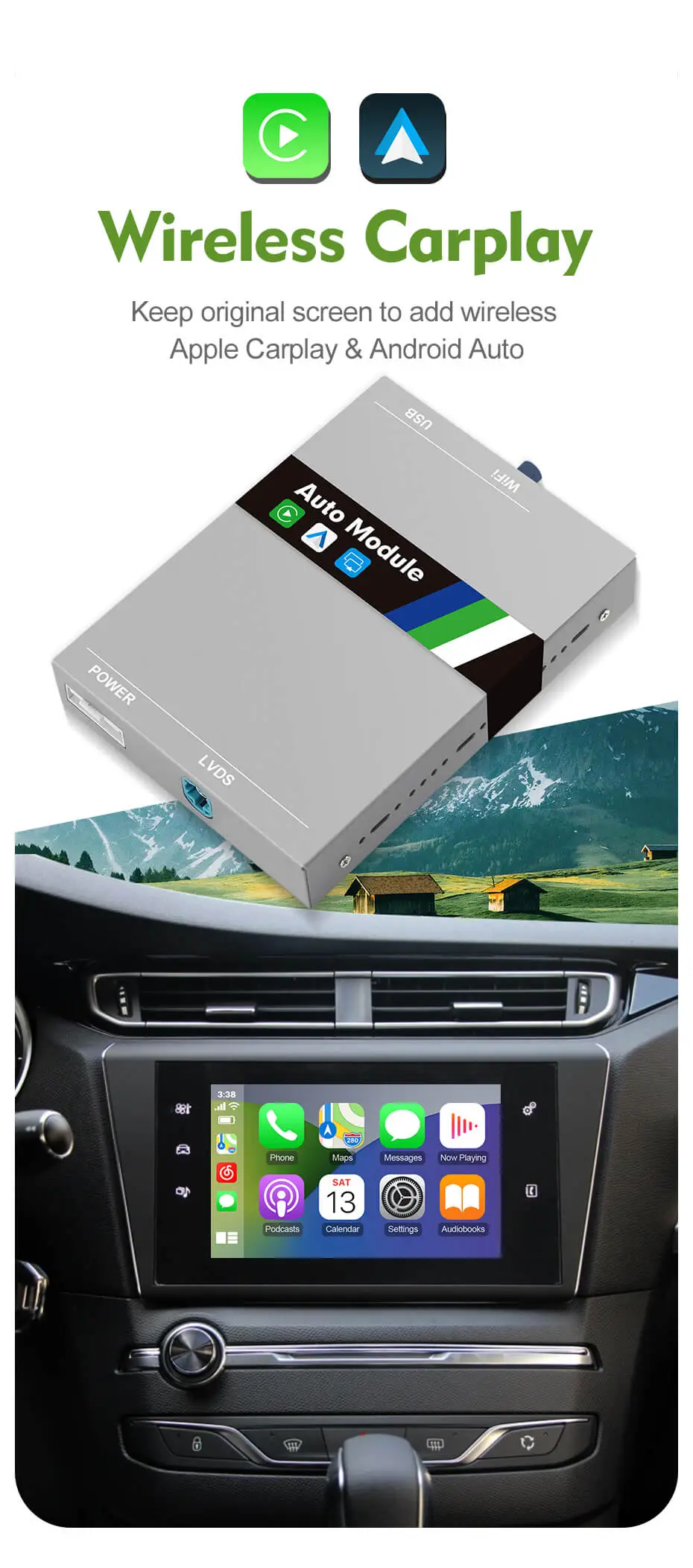
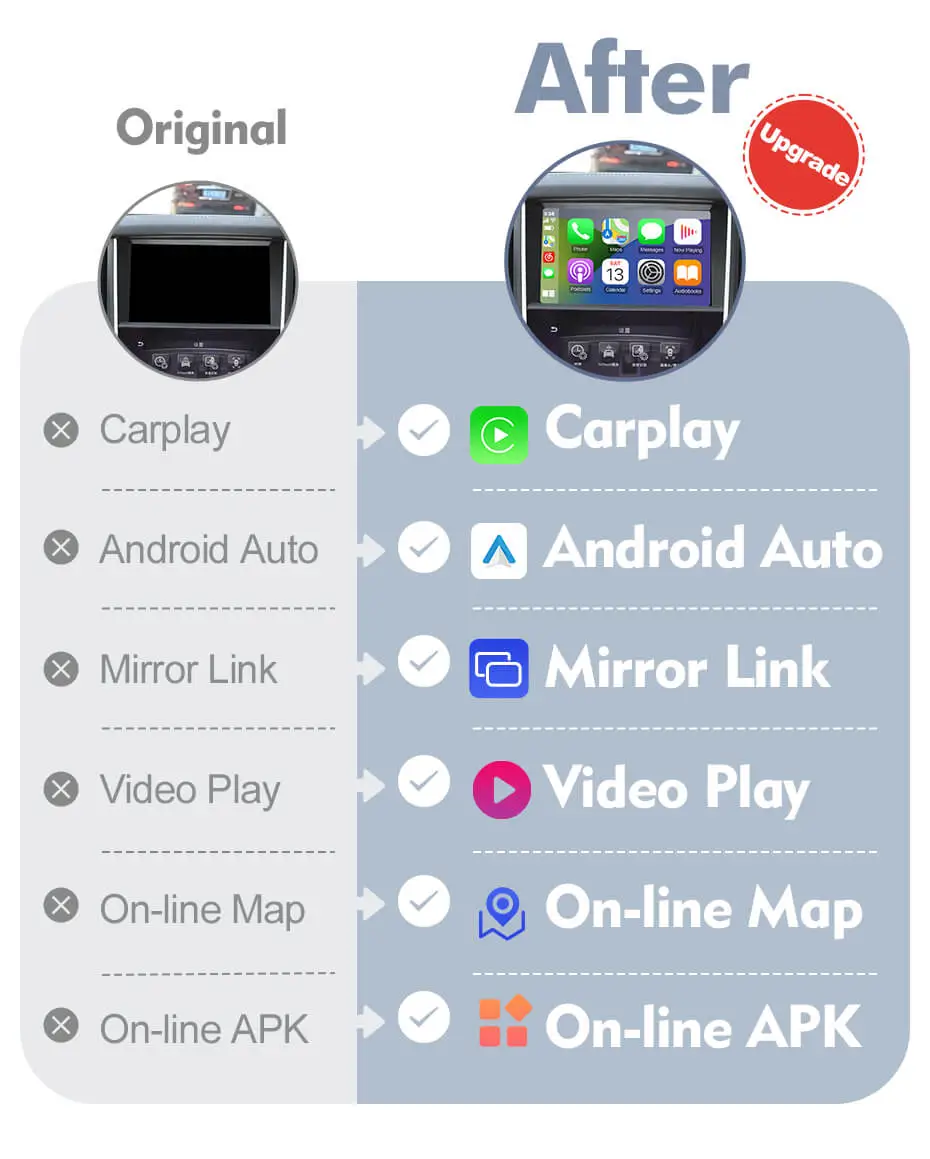
Upgrade original car radio to wireless Carplay, Will retain original system.
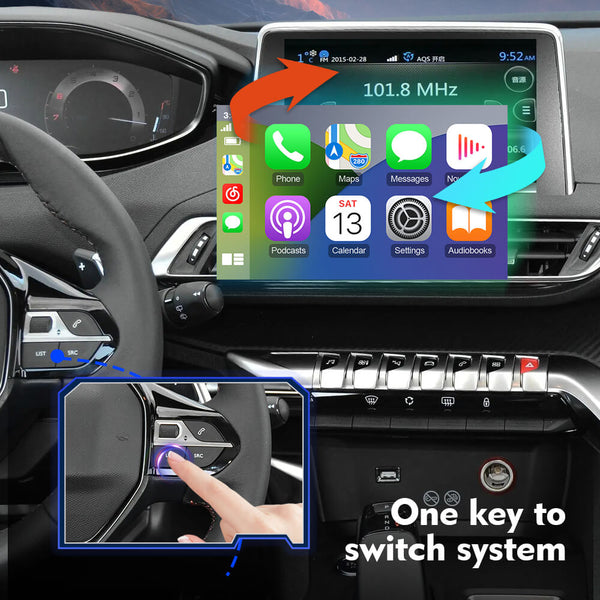
When the installation is complete, you can switch between the OEM system and CarPlay.
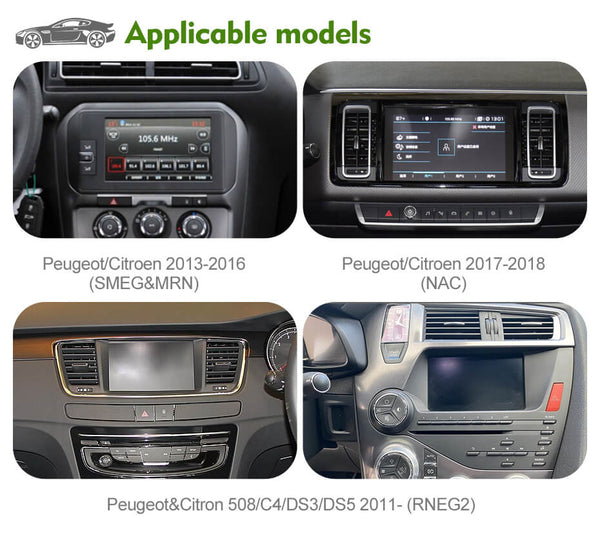
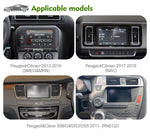
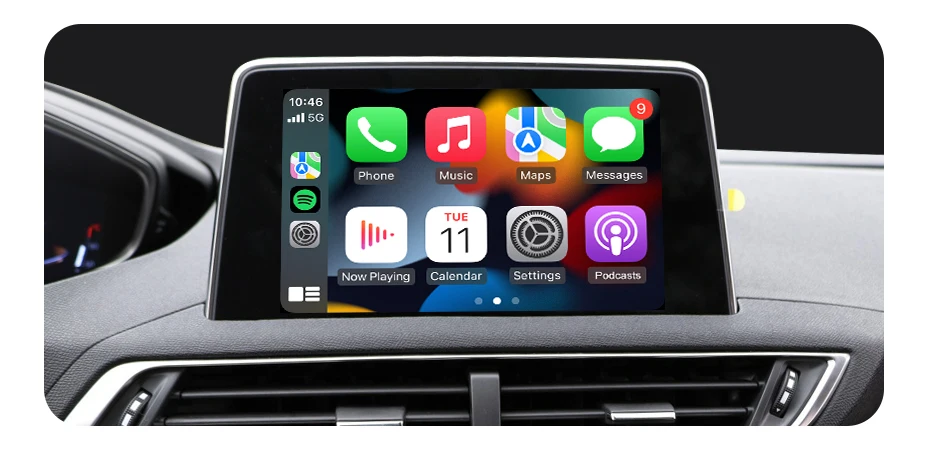
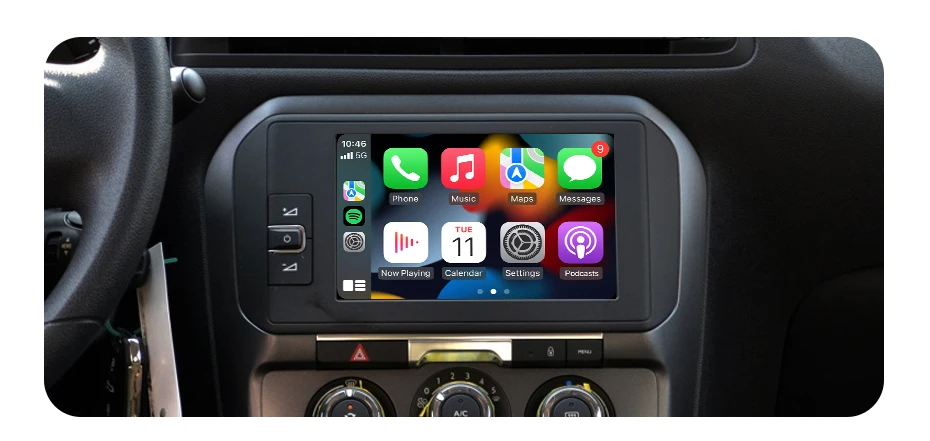
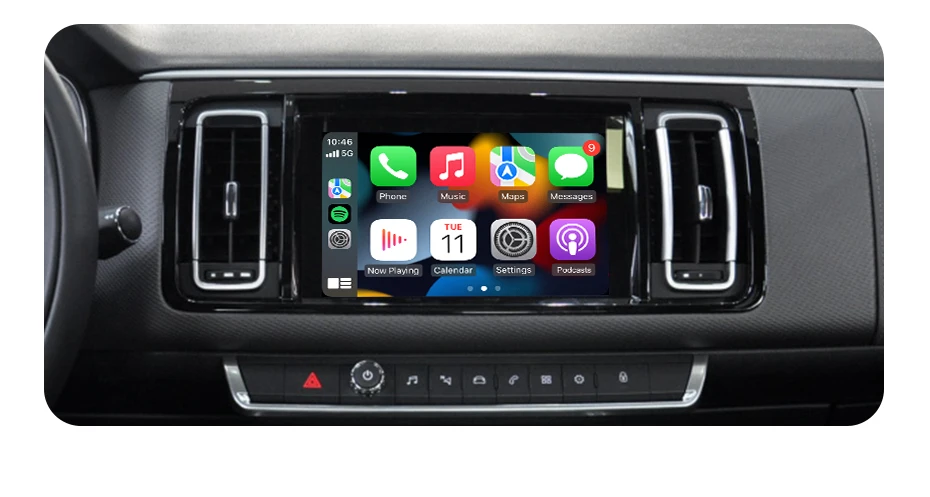
For DS Automobiles (7inch NAC Low or NAC High infotainment) DS Automobiles DS3Crossback(2018-Onwards) DS Automobiles DS4(2017-Onwards) DS Automobiles DS5(2017-Onwards) DS Automobiles DS7 Crossback(2017-Onwards)
For Vauxhall/Opel (8 inch 5.0 Intelli Link system (NAC low) touch screen) Vauxhall Combo [E](2019-Onwards) Vauxhall Corsa [F](2019-Onwards) Vauxhall Crossland X(2016-0nwards) Vauxhall Grandland(2016-Onwards) Vauxhall Vivaro [MK4](2019-Onwards)
For Fiat(7 inch Connect Nav, NAC low & NAC high): Fiat Scudo 3rd gen(2022-Onwards)
For Toyota (7 inch Connect Nav, NAC low & NAC high): Toyota Pro Ace(2017-Onwards) Toyota Pro Ace City(2019-Onwards)
After intallation, You can switch between the original screen and CarPlay
1. Supports Non-destructive installation, you don't need to change original cable.
2. Add Carplay, Android Auto… to OEM screen.
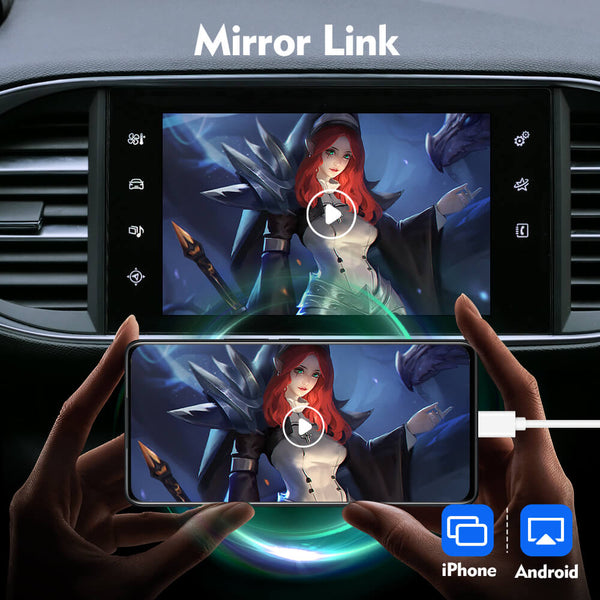
3. Most important, after installation, you can watch video on the screen.
Product features:
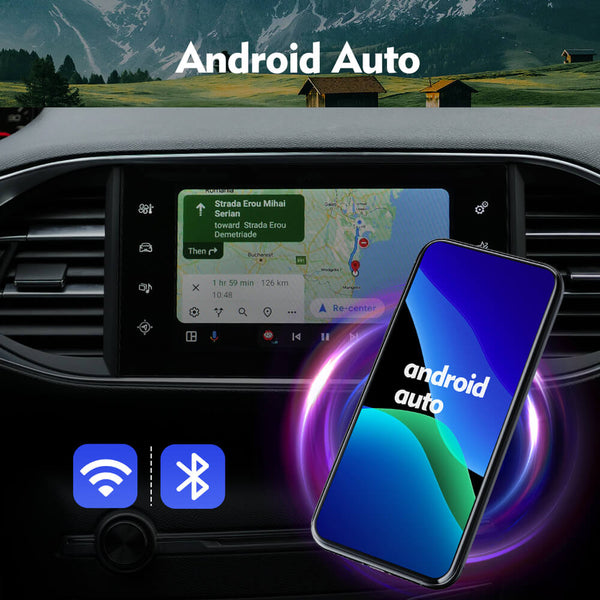
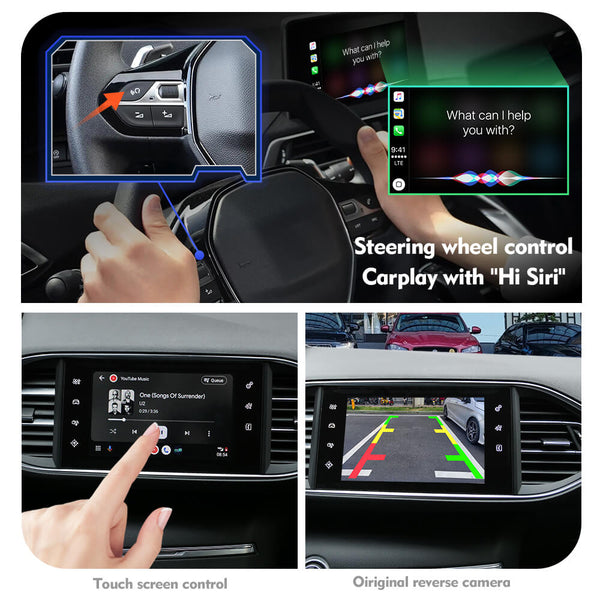
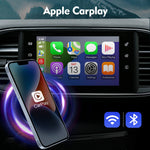
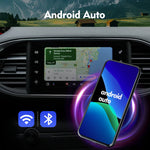
Support Wired and wireless connections for carplay and android auto.
Support On-line map, Spotify, Phone,Messages, Podcasts..
Support Control Voice(Siri) by Button
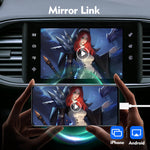
Support Apple mobile phone wireless projection technology (mirror link)
Support high quality sound quality, EQ adjustment
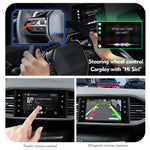
Support front and rear view camera input.
Support Original camera and parking sensor
Support after market rear view camera
Support Steering wheel control
Support USB video, music playback, U-Disk.
Support 5.0GHZ Wifi built in
How to distinguish the original system
Identify the system through the interface
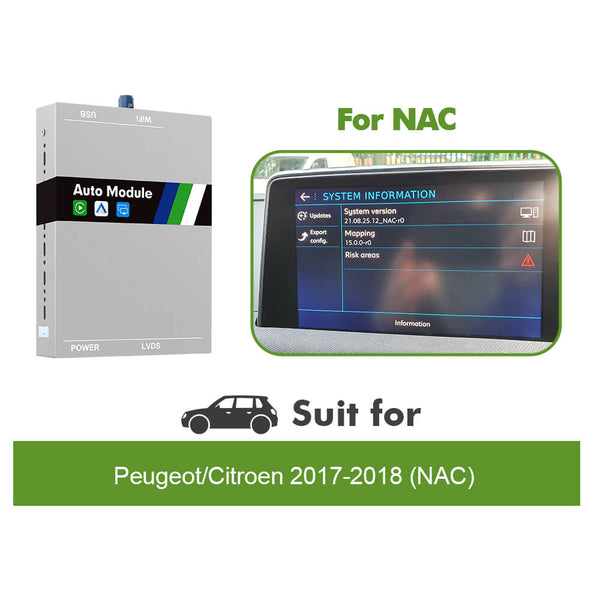
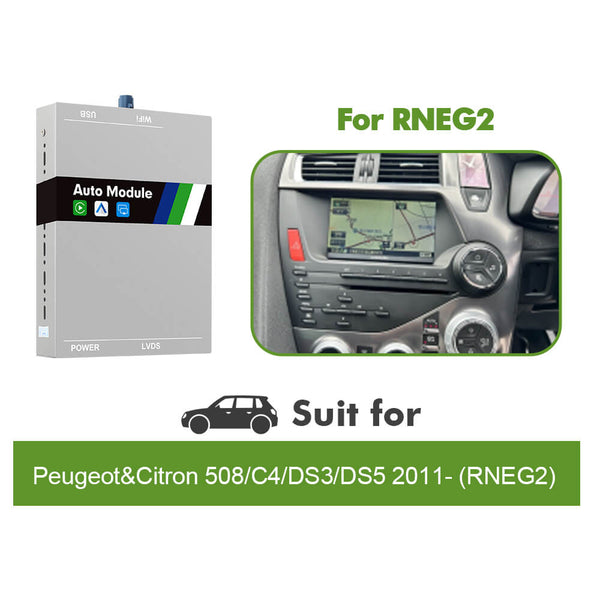
Go to the radio factory setting,you will find the system version of your car,you will find thepage like the picture
Sound Settings The module supports using the car's Bluetooth as the audio output channel and also supports the car's AUX as the audio output channel. Note: The mirror function can only use AUX as the sound output channel
1. For car's Bluetooth audio channel: "Original MIC" - ON; "Use the original Bluetooth Audio" - ON. After connecting your phone to CarPlay or Android Auto, connect to the car's Bluetooth and select the car's Bluetooth as the audio output channel in the car's sound settings.
2. For car's AUX audio channel: "Original MIC" - OFF; "Use the original Bluetooth Audio" - OFF. After connecting your phone to CarPlay or Android Auto, select the car's AUX as the audio output channel in the car's sound settings.
Plug in play Carplay module, simpel installation
USB cable, Power cable, LVDS cable, Bluetooth antenna, Wifi antenna, Installation Guide
Download here for user manual. and installed video
*If you use aftermarket camera, whether your car is manual or automatic, manual wiring is required.
Use demo video:
Installation reference video:
Note:
1. For automatic transmission-original rearview cameras, this feature is plug-and-play; no additional wiring is required. 2. For manual transmission-originalrearview cameras, manual wiring is required: the reverse control cable (REVERSE) is connected to the positive pole of the reverse light. 3. If you are using an aftermarket camera, whether it's an automatic transmission or a manual transmission car, manual wiring is required.
Upgrade original car radio to wireless Carplay, Will retain original system.
When the installation is complete, you can switch between the OEM system and CarPlay.
For DS Automobiles (7inch NAC Low or NAC High infotainment) DS Automobiles DS3Crossback(2018-Onwards) DS Automobiles DS4(2017-Onwards) DS Automobiles DS5(2017-Onwards) DS Automobiles DS7 Crossback(2017-Onwards)
For Vauxhall/Opel (8 inch 5.0 Intelli Link system (NAC low) touch screen) Vauxhall Combo [E](2019-Onwards) Vauxhall Corsa [F](2019-Onwards) Vauxhall Crossland X(2016-0nwards) Vauxhall Grandland(2016-Onwards) Vauxhall Vivaro [MK4](2019-Onwards)
For Fiat(7 inch Connect Nav, NAC low & NAC high): Fiat Scudo 3rd gen(2022-Onwards)
For Toyota (7 inch Connect Nav, NAC low & NAC high): Toyota Pro Ace(2017-Onwards) Toyota Pro Ace City(2019-Onwards)
After intallation, You can switch between the original screen and CarPlay
1. Supports Non-destructive installation, you don't need to change original cable.
2. Add Carplay, Android Auto… to OEM screen.
3. Most important, after installation, you can watch video on the screen.
Product features:
Support Wired and wireless connections for carplay and android auto.
Support On-line map, Spotify, Phone,Messages, Podcasts..
Support Control Voice(Siri) by Button
Support Apple mobile phone wireless projection technology (mirror link)
Support high quality sound quality, EQ adjustment
Support front and rear view camera input.
Support Original camera and parking sensor
Support after market rear view camera
Support Steering wheel control
Support USB video, music playback, U-Disk.
Support 5.0GHZ Wifi built in
How to distinguish the original system
Identify the system through the interface
Go to the radio factory setting,you will find the system version of your car,you will find thepage like the picture
Sound Settings The module supports using the car's Bluetooth as the audio output channel and also supports the car's AUX as the audio output channel. Note: The mirror function can only use AUX as the sound output channel
1. For car's Bluetooth audio channel: "Original MIC" - ON; "Use the original Bluetooth Audio" - ON. After connecting your phone to CarPlay or Android Auto, connect to the car's Bluetooth and select the car's Bluetooth as the audio output channel in the car's sound settings.
2. For car's AUX audio channel: "Original MIC" - OFF; "Use the original Bluetooth Audio" - OFF. After connecting your phone to CarPlay or Android Auto, select the car's AUX as the audio output channel in the car's sound settings.
Plug in play Carplay module, simpel installation
USB cable, Power cable, LVDS cable, Bluetooth antenna, Wifi antenna, Installation Guide
Download here for user manual. and installed video
*If you use aftermarket camera, whether your car is manual or automatic, manual wiring is required.
If the product you receive is not as described or low quality, the seller promises that you may return it before order completion.
The return shipping fee will be paid by you.
We offer retrun and refund within 15 days after purchase. And offer 2 years warranty.(Except virtual products and accessories.)
If you do not receive your purchase within 30 - 60 days, you can ask for a full refund.
Or you can choose to keep the product and agree the refund amount directly with the seller.
Clearance items are not covered by warranty.
If the product you receive is not as described or low quality, the seller promises that you may return it before order completion.
The return shipping fee will be paid by you.
We offer retrun and refund within 15 days after purchase. And offer 2 years warranty.(Except virtual products and accessories.)
If you do not receive your purchase within 30 - 60 days, you can ask for a full refund.
Or you can choose to keep the product and agree the refund amount directly with the seller.
Schnelle Lieferung, Einbau gut erklärt und schnell umgesetzt. Einzig die Tonumstellung per Aux ist etwas umständlich, aber vielleicht liegt es auch am Auto. Alles in allem klare Empfehlung 👍
T
Tiago Miguel Pina Cabrita Cabrita
Very good
T
Thomas Haller
Carlinkit Wireless Apple Carplay adapter For Peugeot & Citroen 308,408,C5,C6, C4,Sega,4008,5008 DS
Easy to install. Perfect support if you have proplems during installation.
J
Javier
Perfecto
Envío rápido y bien embalado. El producto funciona perfectamente. Contento con la compra
This video features the Angle Key 2.0 T10M as an example: 10" Screen Physical Knob + Buttons Car Radio For Kia K3 Cetrato 3 Forte 2013-20171. Key Features:Touchscreen + Angle...
This video features the Angle Key 2.0 T10M as an example: 10" Screen Physical Knob + Buttons Car Radio for BMW 3 Series E46 M3 318/320/325/330/335 1998-20051. Key Features:Touchscreen +...
This video features the Angle Key 2.0 T10M as an example: 10" Screen Physical Knob + Buttons Car Radio For BMW X5 E53 E39 1995-20061. Key Features:Touchscreen + Angle Physical...
This video features the Angle Key 2.0 T10M as an example: 10" Screen Physical Knob + Buttons Car Radio For Chevrolet Aveo 2005-20171. Key Features:Touchscreen + Angle Physical Buttons -...
This video features the Angle Key 2.0 T10M as an example: 10" Screen Physical Knob + Buttons Car Radio For Chevrolet Cavalier 2016-20201. Key Features:Touchscreen + Angle Physical Buttons -...
This video features the Angle Key 2.0 T10M as an example: 10" Screen Physical Knob + Buttons Car Radio For Chevrolet Gmc Silverado Sierra 2014-20181. Key Features:Touchscreen + Angle Physical...
This video features the Angle Key 2.0 T10M as an example: 10" Screen Physical Knob + Buttons Car Radio For Chevrolet Onix 2018-20221. Key Features:Touchscreen + Angle Physical Buttons -...
This video features the Angle Key 2.0 T10M as an example: 10" Screen Physical Knob + Buttons Car Radio For Chevrolet Trax 2017-20221. Key Features:Touchscreen + Angle Physical Buttons -...